














Capture simple fixes in seconds
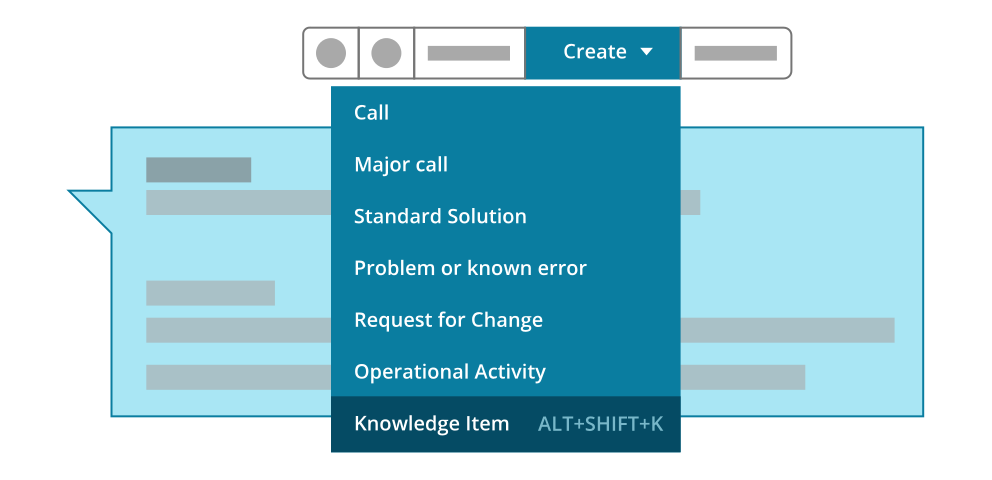
Solved Harry’s printer error? Simply click “Create” and the fix becomes a knowledge item – question, answer, and all steps included. Now solved actually means ‘off your plate’.
Move valuable knowledge from heads and desktops to one centralized knowledge base. You capture solutions in seconds, with every answer at the ready when your team or AI needs it.
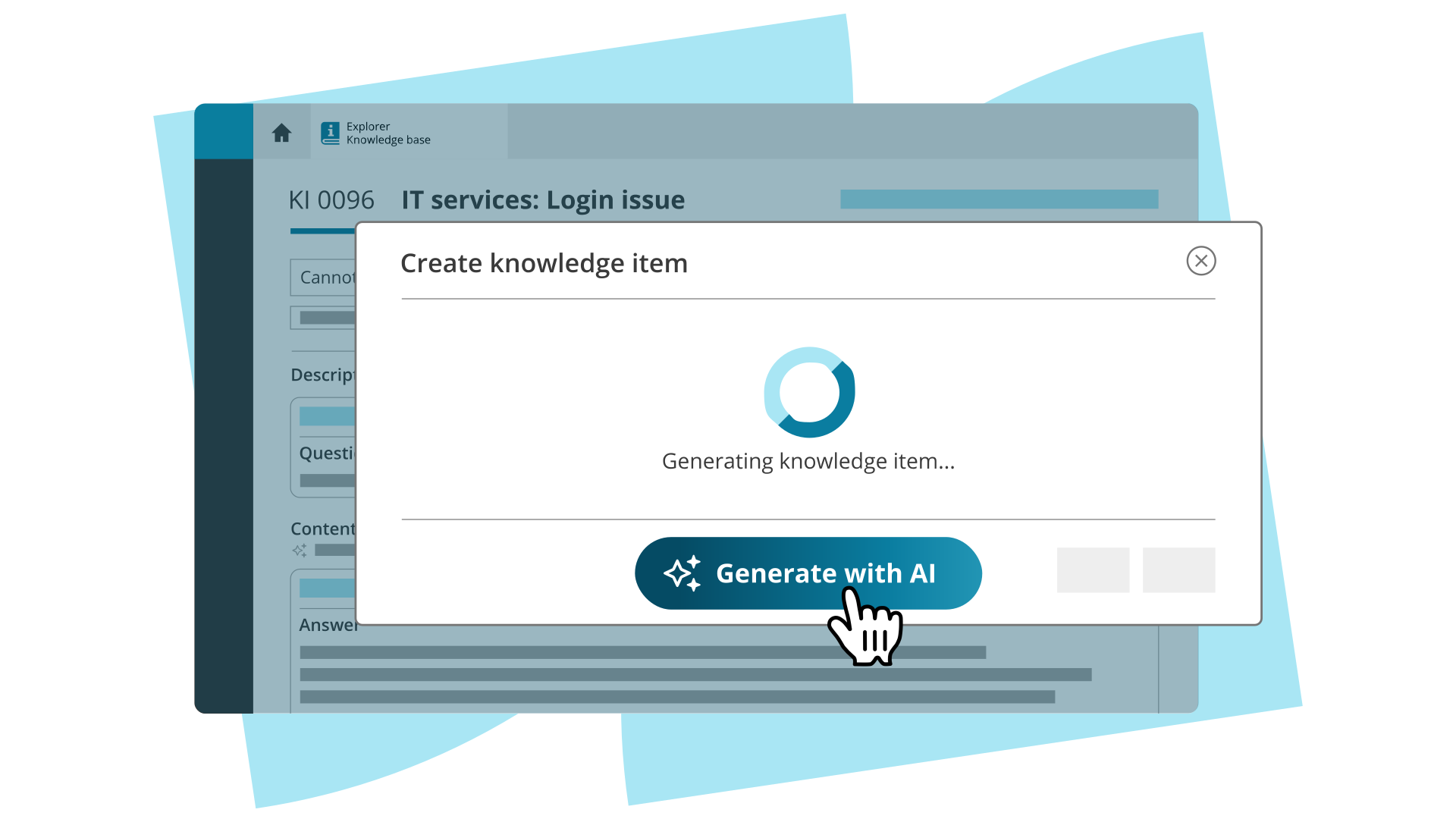
Solving IT issues? Yes, please. Writing up everything afterwards? No, thank you. Click “Generate with AI” and the full 18-comment thread turns into a clean knowledge item draft. You review, tweak, and decide what’s published and when.
From new staff to temporary cover: give everyone the tools to work like they’ve been with you for years.
Solved Harry’s printer error? Simply click “Create” and the fix becomes a knowledge item – question, answer, and all steps included. Now solved actually means ‘off your plate’.
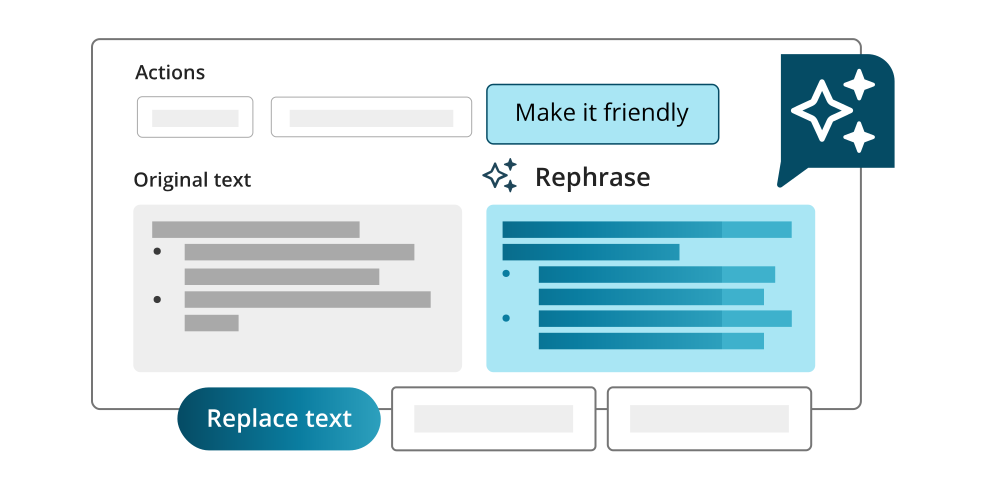
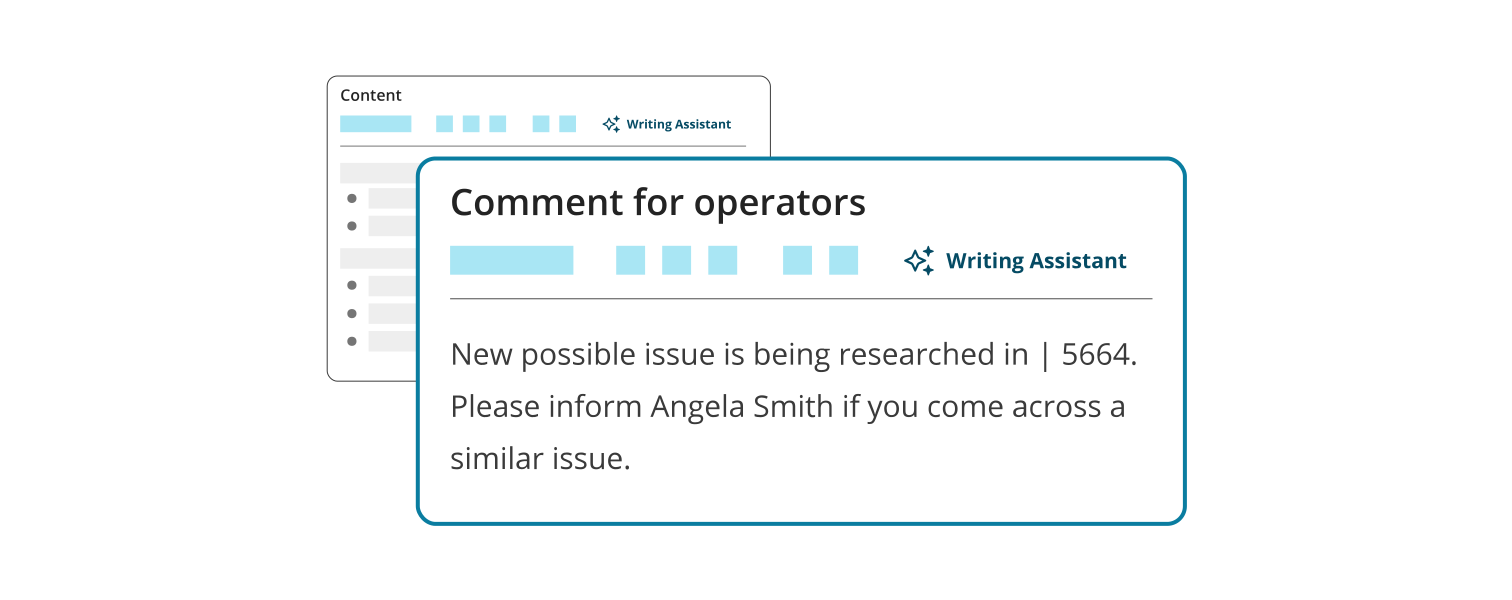
AI Writing Assistant has your back when it comes to grammar, tone, and spelling. Now even your least confident writer sounds clear, professional, and on brand.
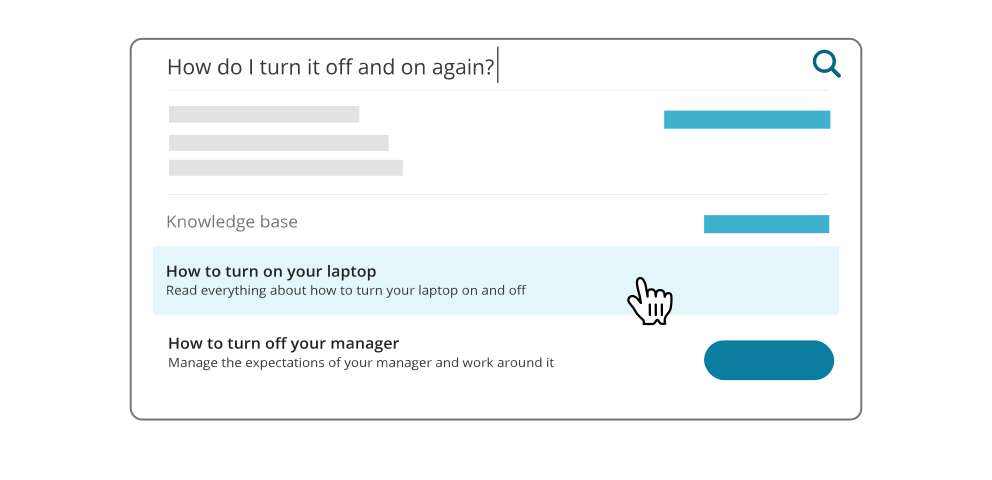
Repeat questions about password resets and WiFi issues no more. Publish answers to the Self-Service Portal and watch your ticket queue shrink.
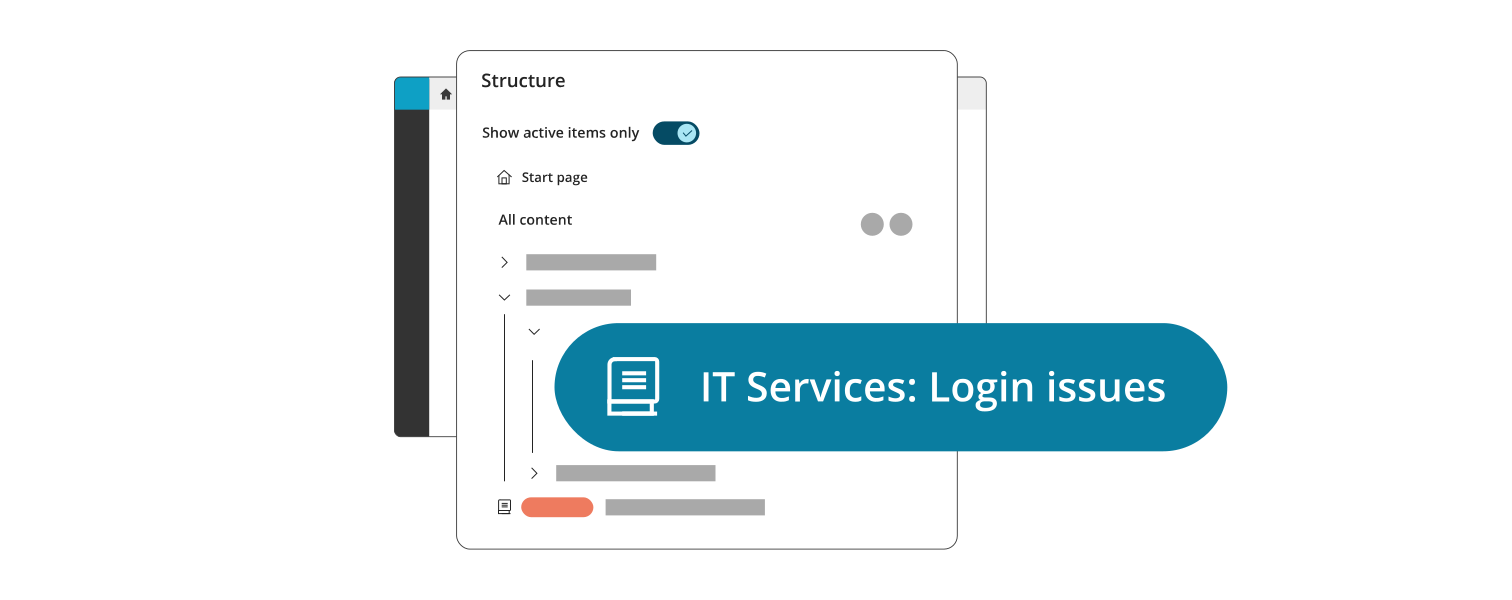
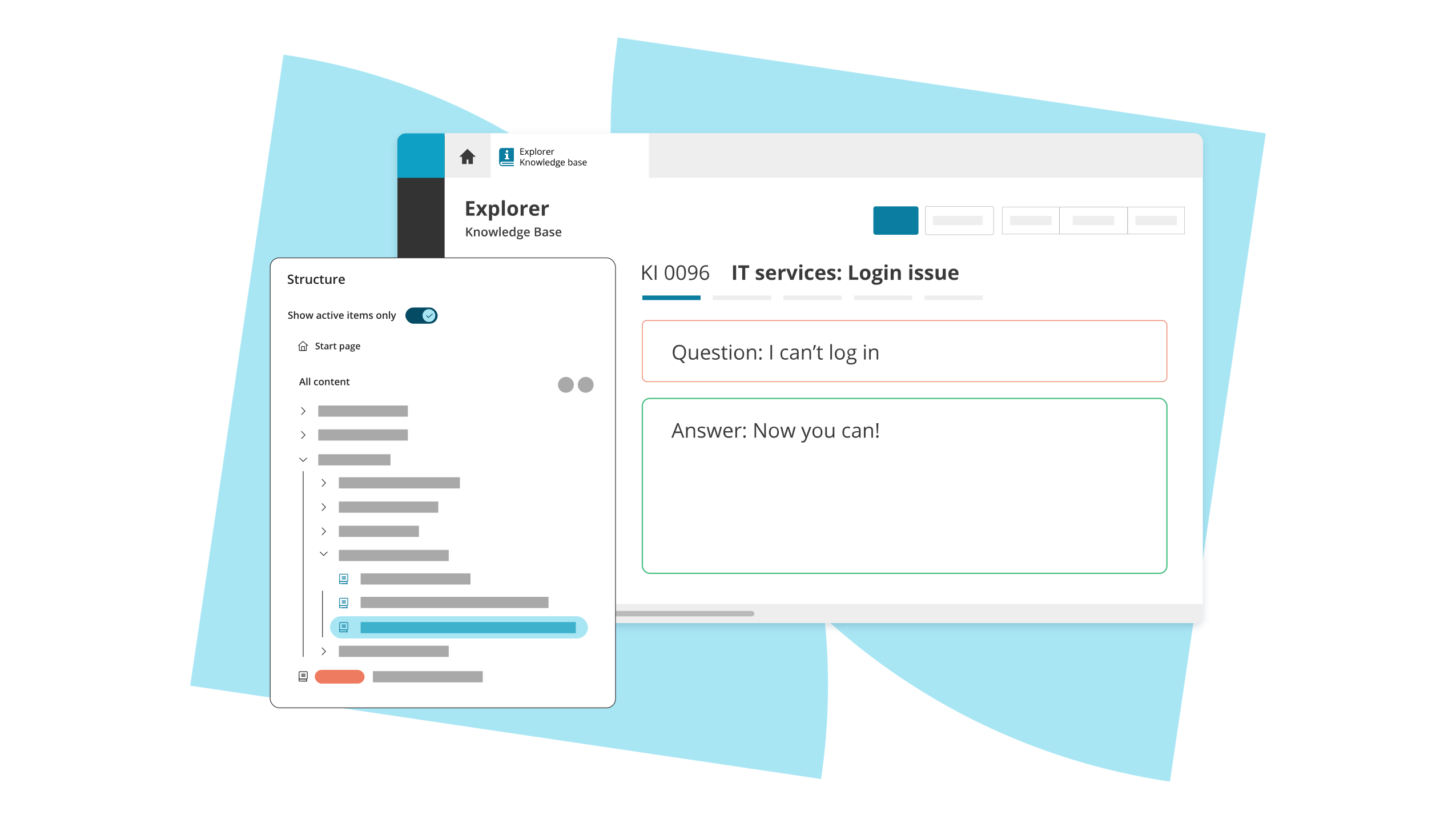
Sort articles into folders, keep your go-to answers up front, and tuck the rest into the archive. The Knowledge Base Explorer keeps everything easy to navigate. Today, and as your library grows.
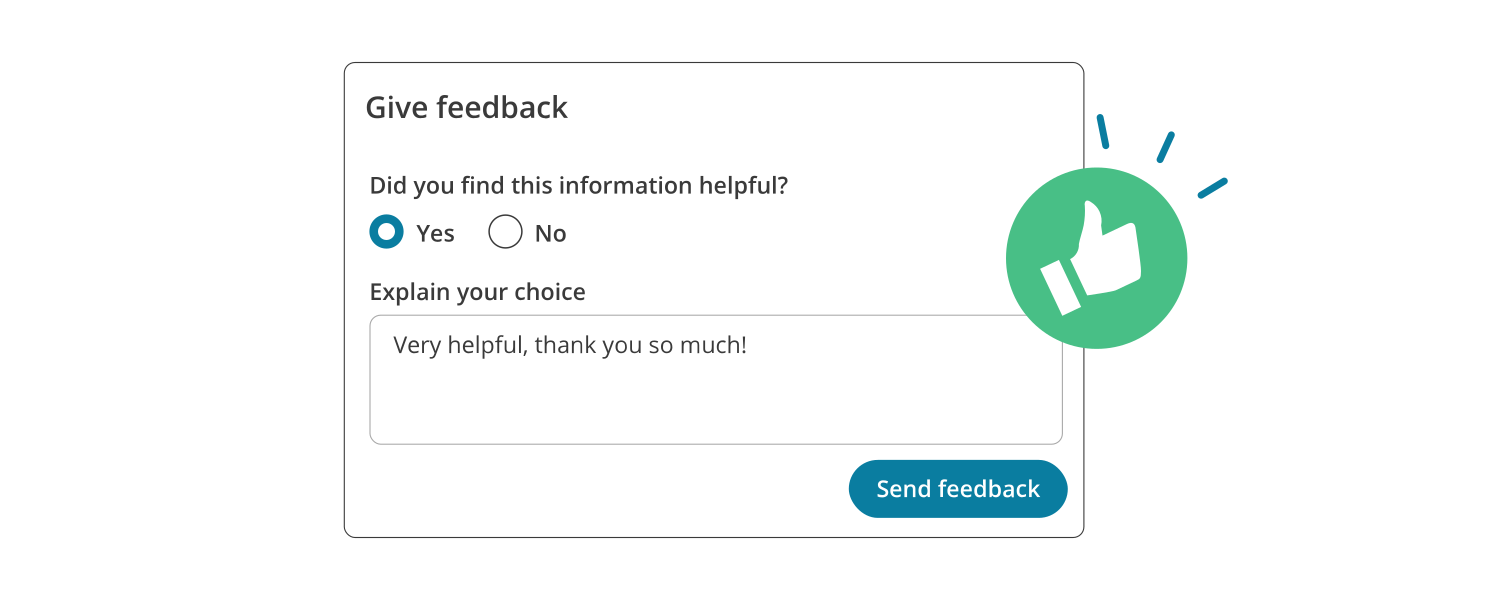
Every knowledge item gets a helpfulness score from anyone using it, so you can see at a glance what’s working and what isn’t. Set a change date and TOPdesk pings you when it’s time for a check-up.
Not every note, thought, or deliberation should go out to the customer. Keep internal context internal by marking it ‘technician only’ and send out the clean solution to everyone else. Easy does it.
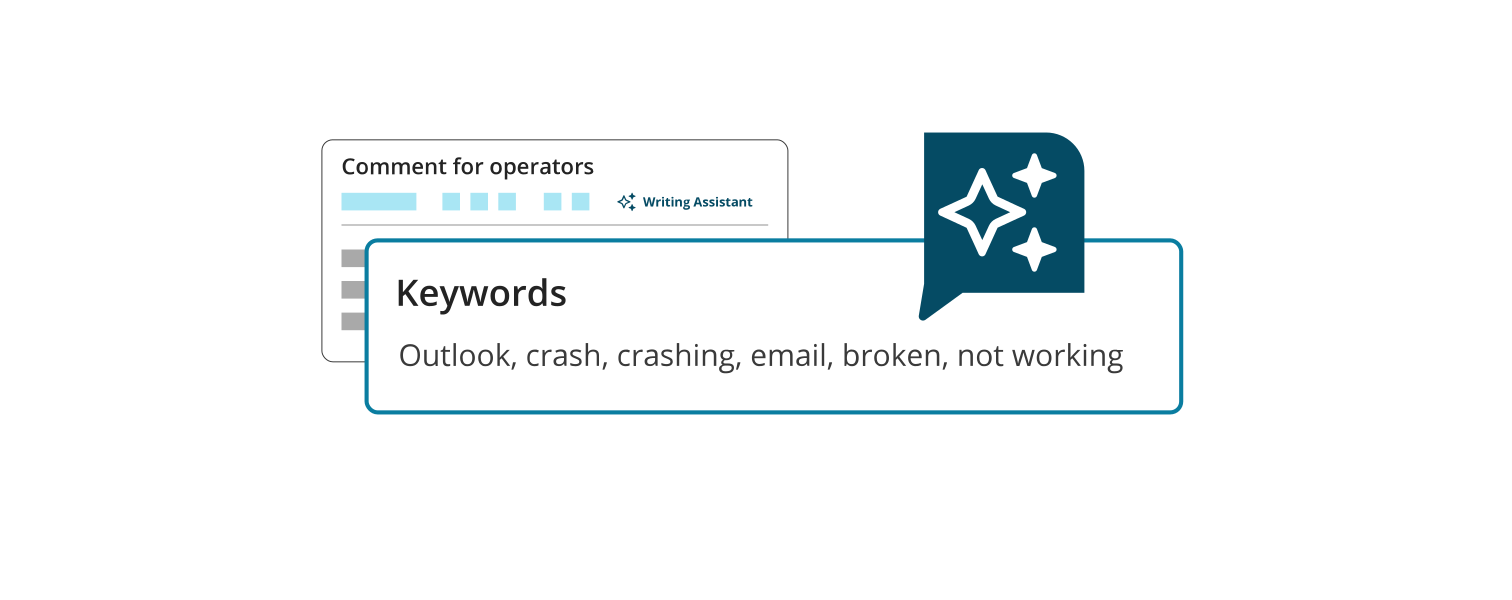
Need a new term to surface an article? Add it to the keyword field and AI starts using it on the next ticket. You don’t have to reconfigure the whole item or wait for someone with admin rights.